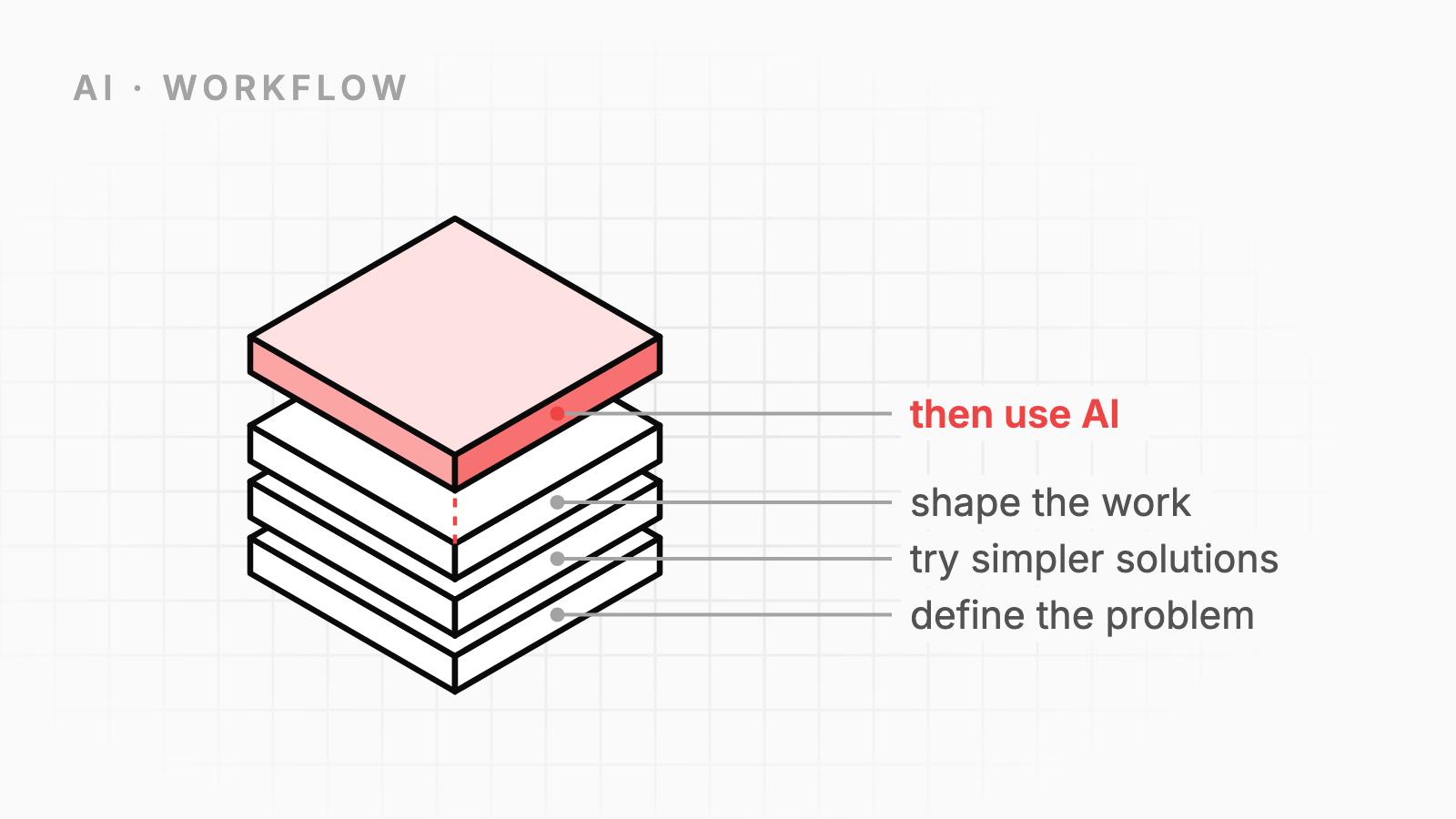

AI is the strongest tool in my stack right now.
It can write code, explain code, draft tests, summarize logs, compare options, and help me move through boring work much faster than I could alone. Used well, it saves real time. It also lowers the cost of trying ideas.
But I try to use it late, not early.
That sounds backwards at first. If a tool is powerful, why not reach for it first?
Because AI does not fix weak thinking. It amplifies it.
If the problem is fuzzy, AI helps you move quickly in the wrong direction. If the architecture is unclear, it produces code that locks in confusion. If the requirements are weak, it fills the gaps with guesses. You still get output. It may even look polished. But now you have a bigger mess, created faster.
That is the trap.
The value of AI is not that it can think for you. The value is that it can accelerate work that already has shape.
AI multiplies the input
A lot of the hype around AI treats it like a replacement for hard engineering judgment. In practice, I see the opposite.
AI is closer to a multiplier than a source.
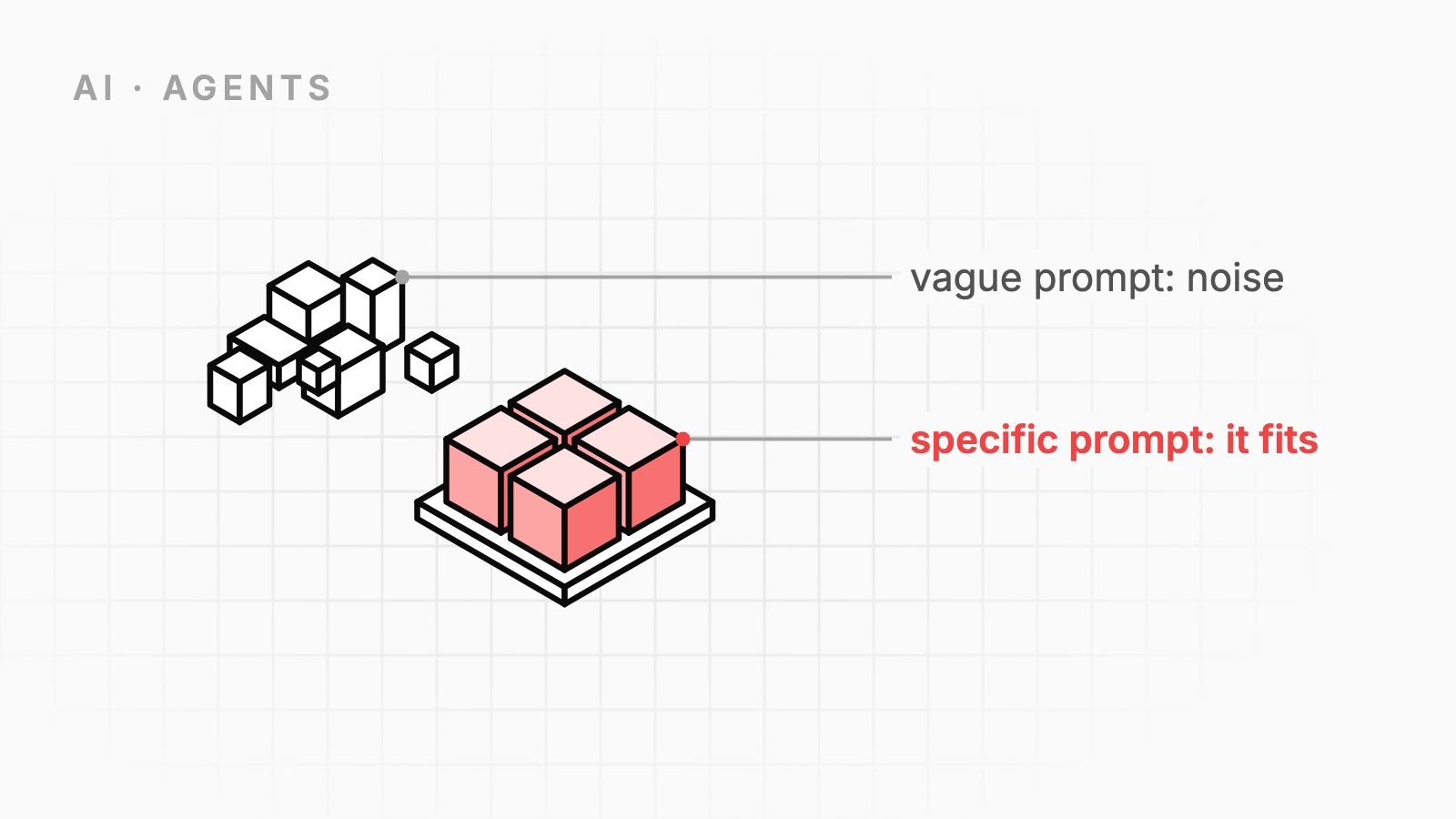
Give it a sharp problem, clean constraints, and a clear target, and it can be excellent. Give it vague goals, mixed signals, and a half-formed architecture, and it will mirror all of that back at you with confidence.
This is why people can have such different experiences with the same tools.
One engineer gets a useful draft, a solid test plan, or a good refactor outline.
Another gets bloated code, invented assumptions, and an answer that sounds right but breaks on contact with reality.
The difference is often not the model. It is the clarity of the setup.
AI is very good at producing. It is much less reliable at deciding what should be produced.
That part is still on you.
The failure mode is speed without direction
The biggest risk is not bad code. Bad code is normal. We can fix bad code.
The bigger risk is building momentum around the wrong thing.
Once AI starts producing, it is easy to feel progress. You get files, functions, tests, comments, docs, maybe even a full feature skeleton. It feels like work is moving. But if you started from a weak understanding of the problem, that output creates drag.
Now you have more code to read. More assumptions to verify. More paths to unwind. More false confidence in a solution that was never grounded.
This shows up in a few common ways:
- Writing code before deciding what the system should own.
- Generating abstractions before there is proven duplication.
- Building a new service when a query or cron job would do.
- Adding AI-generated error handling around a flow that should not exist in the first place.
- Asking AI to design the architecture before the real constraints are known.
None of these fail because AI is bad. They fail because AI made it easier to skip the hard but necessary thinking at the start.
A better workflow
My default workflow is simple:
- Define the problem clearly.
- Exhaust simpler solutions.
- Use AI to accelerate the well-shaped parts.
That order matters.
Step 1: Define the problem clearly first
Before I ask AI for anything substantial, I try to answer a few plain questions:
- What problem am I actually solving?
- Who feels the pain?
- What does success look like?
- What constraints are real?
- What is explicitly out of scope?
If I cannot answer those questions in direct language, I am not ready to ask AI for code.
This does not need a big design doc. Most of the time, a short note is enough. The point is to remove fuzziness.
For example, this is weak:
Build a better sync system for user data.
This is much better:
When a user updates profile settings, changes can take up to 15 minutes to reach the billing system. We need the billing system to reflect changes within 1 minute. We can tolerate duplicate events but not lost updates. We do not need full historical replay.
That second version gives you something solid to work from. It names the behavior, the pain, the time boundary, and the failure tolerance. Now AI has a chance to help.
Without that shape, it will guess. And guesswork is expensive when it turns into code.
Step 2: Exhaust simpler solutions
This step saves more time than AI does.
Many engineering problems do not need a smart solution. They need a smaller one.
Before I use AI to generate designs or code, I ask:
- Can I solve this with an existing pattern in the codebase?
- Can I delete something instead of adding something?
- Can I use the database I already have?
- Can I run this in one process instead of introducing a queue?
- Can I make the requirement narrower?
This is basic engineering hygiene. AI does not replace it.
In fact, skipping this step is where AI often causes the most damage. It can generate a plausible complex solution faster than you can prove that complexity is unnecessary.
If a shell script, SQL query, index, feature flag, retry, or simple background job solves the problem, do that. Do not ask AI to invent a distributed system for a local problem.
The best use of AI is not make something impressive. It is reduce time on the right level of solution.
Step 3: Use AI to accelerate what is already well-shaped
Once the problem is clear and the solution space is narrowed, AI becomes very useful.
This is where I like to use it:
- Drafting implementation plans from clear requirements.
- Generating test cases from known behavior.
- Producing first-pass code for boring or repetitive work.
- Refactoring local code when the target shape is already decided.
- Summarizing logs, traces, or diffs to speed up review.
- Stress-testing edge cases I may have missed.
- Rewriting rough notes into cleaner docs after the decisions are made.
In other words: I use AI after the important choices are already constrained.
At that point, the model is not deciding the product, the architecture, or the tradeoffs. It is helping execute them faster.
That is a much safer role, and usually a more productive one.
What this looks like in practice
A practical loop might look like this:
1. Write the problem in plain language
Keep it short. Name the bug, failure, or missing capability. Add constraints.
2. Inspect the current system
Read the code. Look at logs. Check how the flow works today. Find the real boundary of the problem.
3. Pick the simplest acceptable approach
Not the most clever one. The one that solves the actual problem with the least new moving parts.
4. Give AI a narrow, concrete job
Ask for a test draft, a refactor, a query, a migration, a handler, or a review of edge cases. Avoid open-ended prompts when the system design is still unclear.
5. Verify the output like any other code
Run tests. Read the diff. Check assumptions. Trim anything extra. AI output is still just code. It does not get a free pass.
That workflow keeps the human in the high-leverage part of the loop: framing the problem and choosing the tradeoffs.
Use the strongest tool at the right time
AI is not overrated. If anything, it is easy to underestimate how much leverage it gives a solo engineer.
But leverage cuts both ways.
If your understanding is sharp, AI helps you move much faster. If your understanding is weak, AI helps you create confusion at scale.
That is why I think of AI as the most powerful tool in my stack, and why I try to use it last.
Not because it is dangerous. Not because it is cheating. Not because I want to do things the hard way.
I use it last because by then I know what I am asking for.
And when the problem is clear, the constraints are real, and the shape of the solution is already visible, AI stops being a source of noise and becomes what it is best at:
a very fast amplifier for good engineering judgment.